
p5.js Game Development Workshop
Games, Web ·Workshop #5 - Creating Games with p5.js!
Today we’re going to create a fun “Catch the Stars” game where you control a character to collect falling stars! This workshop will teach you the basics of game development using p5.js, a beginner-friendly JavaScript library for creative coding.
Setup
- Go to p5.js Web Editor and sign up/log in.
- Click “New Sketch” to create a new project.
- Name your project “catch_the_stars”.
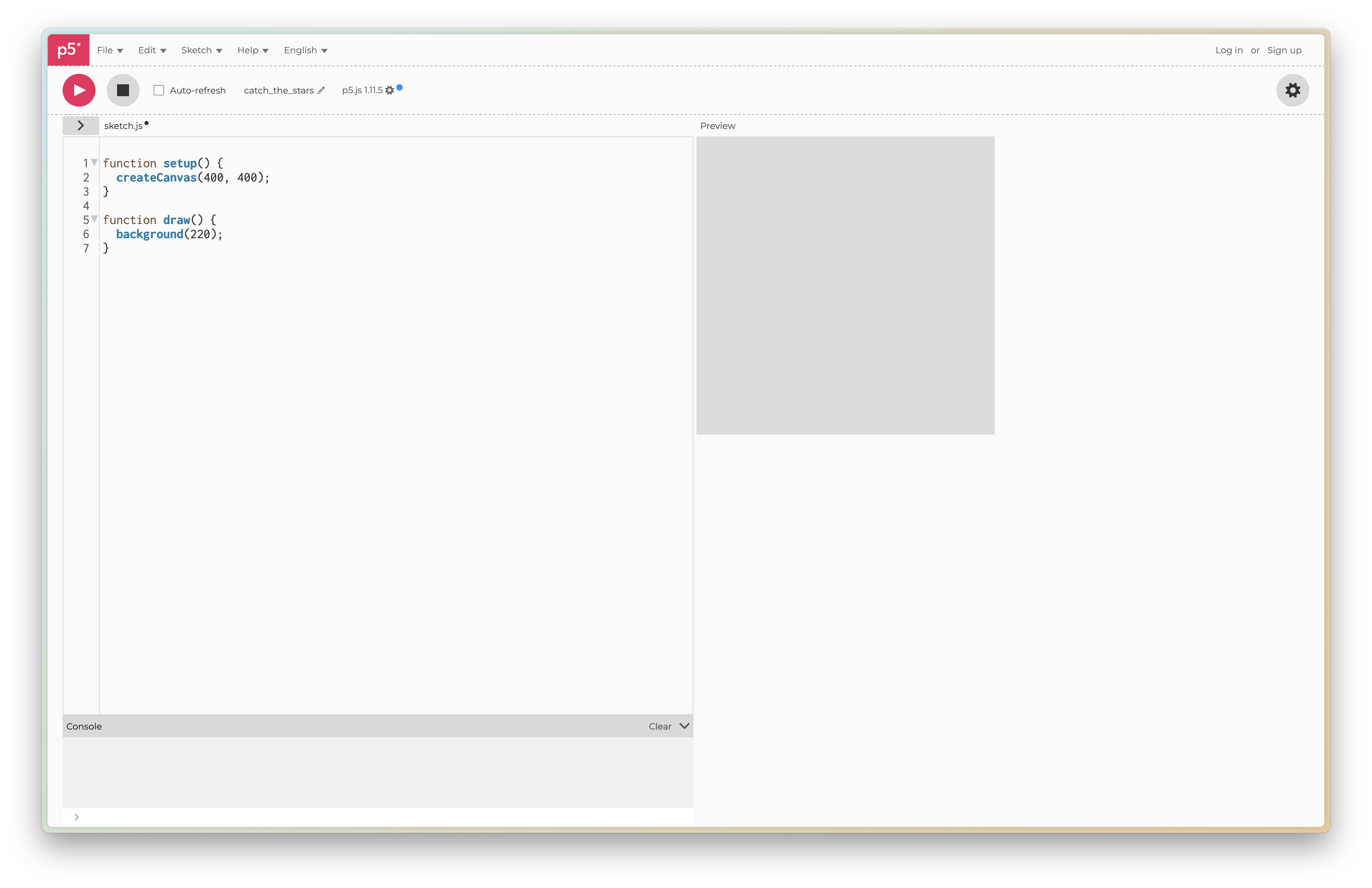
What is p5.js?
p5.js is a JavaScript library that makes it easy to create interactive graphics and animations in your web browser. It’s perfect for beginners because it provides simple functions for drawing shapes, handling user input, and creating animations.
Creating Our Game
Let’s break down our game into simple steps:
- First, let’s create our player character (a cute cat that will catch the stars)
- Then we’ll add falling stars
- Finally, we’ll add collision detection and scoring
Step 1: Creating the Player
Let’s start by creating our player character. We’ll need two special functions that p5.js uses:
setup(): Runs once when the program startsdraw(): Runs over and over again, creating our animation
Step 1a: Drawing the Cat
First, let’s create our cat character. We’ll start with just the visual part:
// This variable stores the x-position of our player
let playerX = 200;

// This function runs once when the program starts
function setup() {
  // Create a canvas 400 pixels wide and 600 pixels tall
  createCanvas(400, 600);
}

// This function runs over and over again
function draw() {
  // Set a dark blue background
  background(0, 0, 50);

  // Draw the player (a simple cat shape)
  fill(255, 200, 200); // Light pink color
  ellipse(playerX, 550, 50, 50); // Body
  triangle(playerX - 25, 550, playerX - 15, 520, playerX - 5, 550); // Left ear
  triangle(playerX + 25, 550, playerX + 15, 520, playerX + 5, 550); // Right ear
}
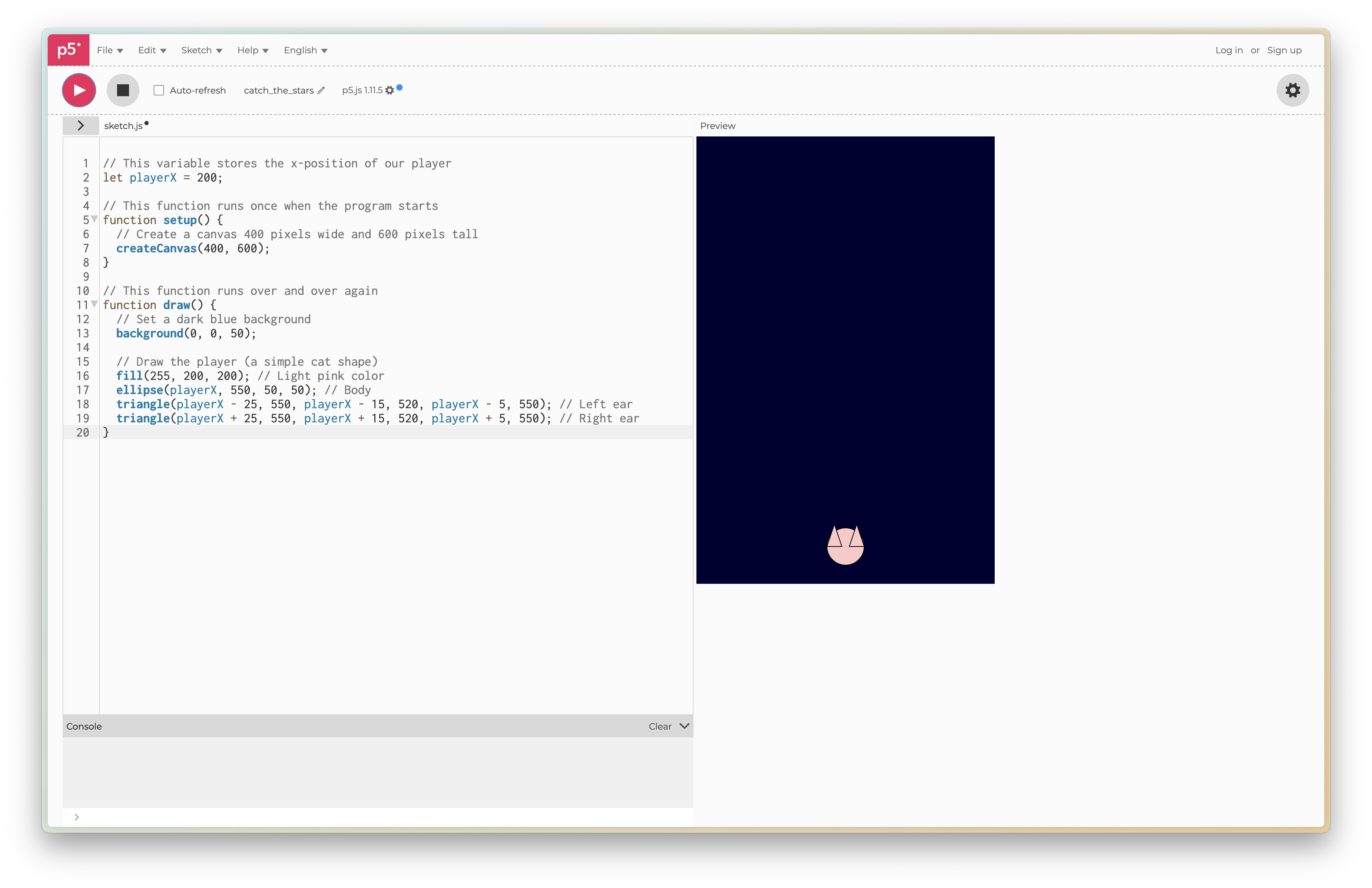
Try running this code! You should see a pink cat in the middle of the screen. It won’t move yet, but we’ll add that next.
Step 1b: Adding Movement
Now let’s add the ability to move our cat using the arrow keys. Add this code inside your draw() function, after the cat drawing code:
// Add this inside your draw() function, after drawing the cat
// Move the player with arrow keys
if (keyIsDown(LEFT_ARROW)) {
  playerX = playerX - 5;
}
if (keyIsDown(RIGHT_ARROW)) {
  playerX = playerX + 5;
}

// Keep the player within the canvas
playerX = constrain(playerX, 25, 375);
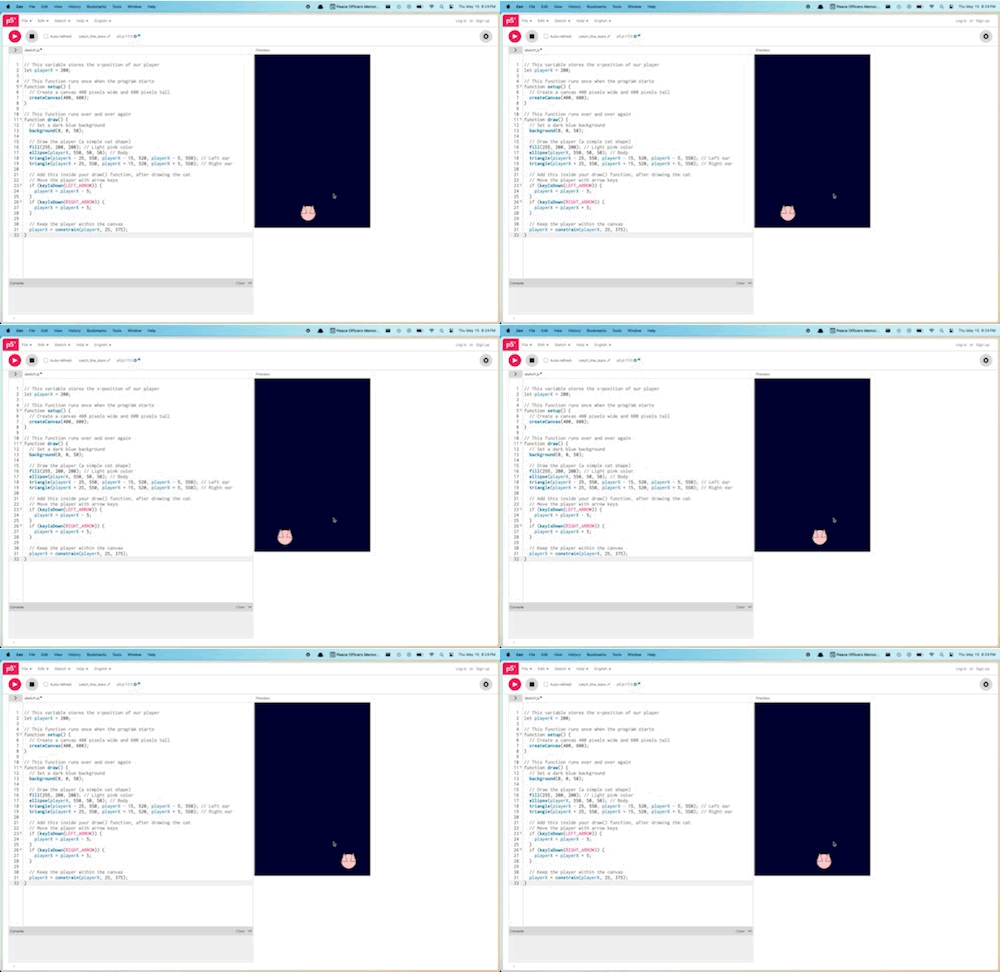
Here’s the complete code after adding movement:
// This variable stores the x-position of our player
let playerX = 200;

// This function runs once when the program starts
function setup() {
  // Create a canvas 400 pixels wide and 600 pixels tall
  createCanvas(400, 600);
}

// This function runs over and over again
function draw() {
  // Set a dark blue background
  background(0, 0, 50);

  // Draw the player (a simple cat shape)
  fill(255, 200, 200); // Light pink color
  ellipse(playerX, 550, 50, 50); // Body
  triangle(playerX - 25, 550, playerX - 15, 520, playerX - 5, 550); // Left ear
  triangle(playerX + 25, 550, playerX + 15, 520, playerX + 5, 550); // Right ear

  // Move the player with arrow keys
  if (keyIsDown(LEFT_ARROW)) {
    playerX = playerX - 5;
  }
  if (keyIsDown(RIGHT_ARROW)) {
    playerX = playerX + 5;
  }

  // Keep the player within the canvas
  playerX = constrain(playerX, 25, 375);
}
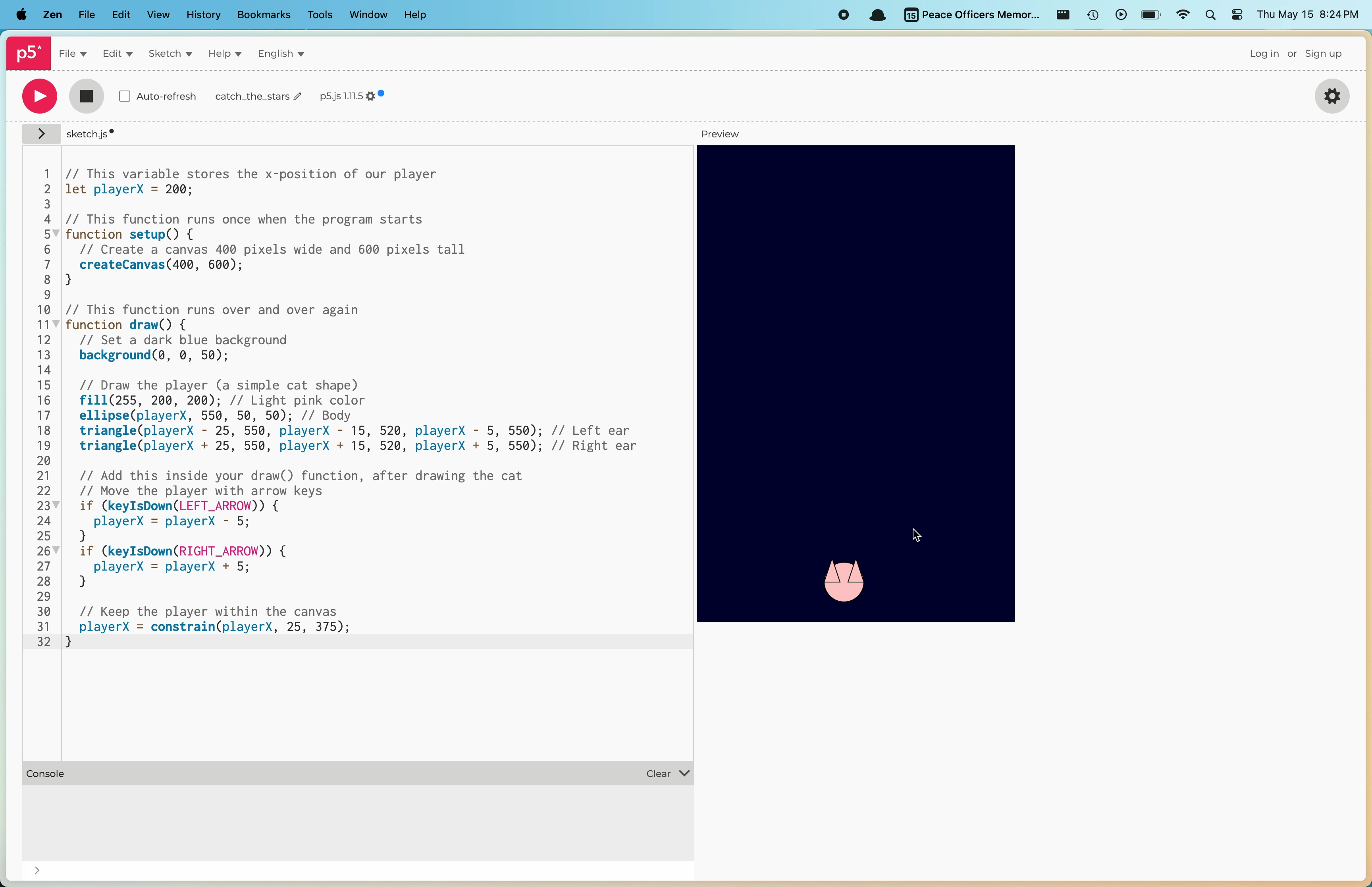
Now you should see a pink cat that you can move left and right using the arrow keys!
Step 2: Adding Falling Stars
Now let’s add some stars that fall from the top of the screen. First, we’ll add the star-drawing function that you can copy exactly as is:
// Function to draw a star (copy this exactly as is)
function star(x, y, radius1, radius2, npoints) {
  let angle = TWO_PI / npoints;
  let halfAngle = angle / 2.0;
  beginShape();
  for (let a = 0; a < TWO_PI; a += angle) {
    let sx = x + cos(a) * radius2;
    let sy = y + sin(a) * radius2;
    vertex(sx, sy);
    sx = x + cos(a + halfAngle) * radius1;
    sy = y + sin(a + halfAngle) * radius1;
    vertex(sx, sy);
  }
  endShape(CLOSE);
}
Now, let’s add the code to create and move stars. Add these new parts to your existing code:
// Add this at the top with your other variables
let stars = []; // Array to store our stars

// Add this inside your draw() function, after the player movement code
// Create new stars randomly
if (frameCount % 60 === 0) { // Every 60 frames
  stars.push({
    x: random(20, 380),
    y: 0,
    speed: random(2, 5)
  });
}

// Draw and move stars
for (let i = 0; i < stars.length; i++) {
  fill(255, 255, 0); // Yellow color for stars
  // Draw star
  star(stars[i].x, stars[i].y, 20, 40, 5);
  // Move star down
  stars[i].y += stars[i].speed;
}
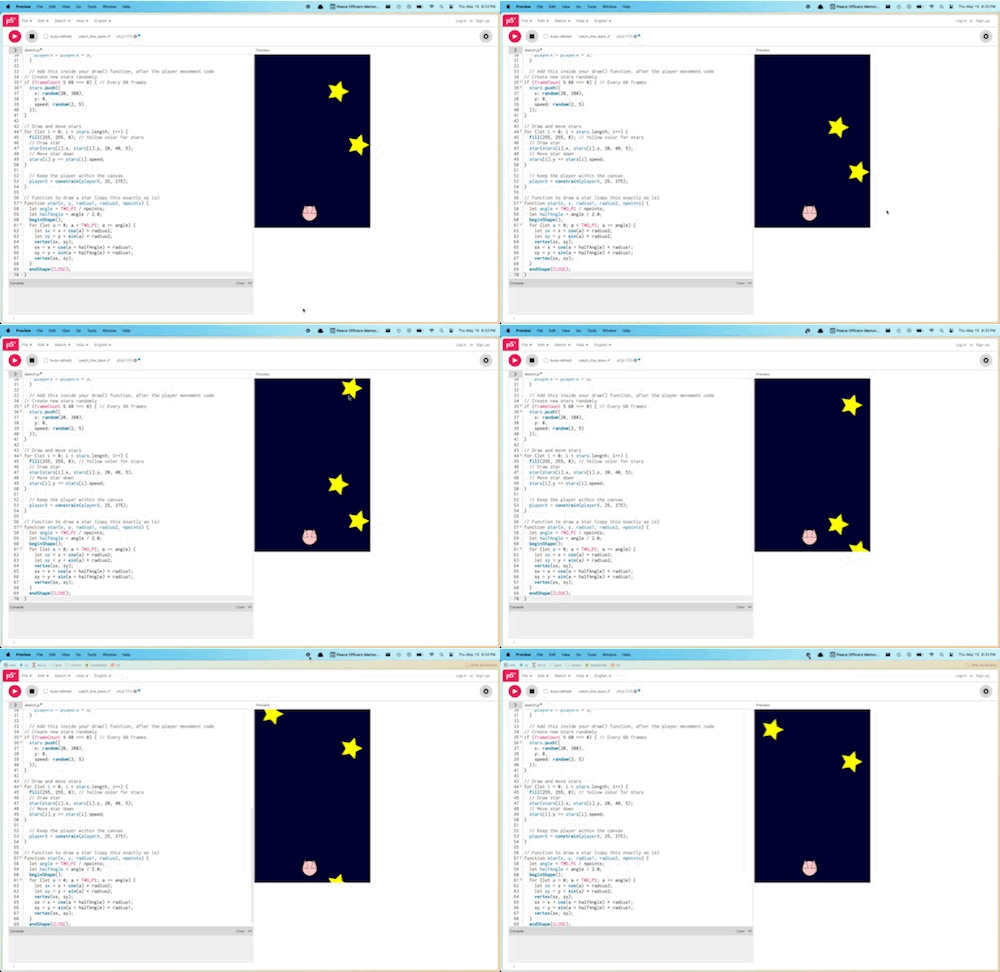
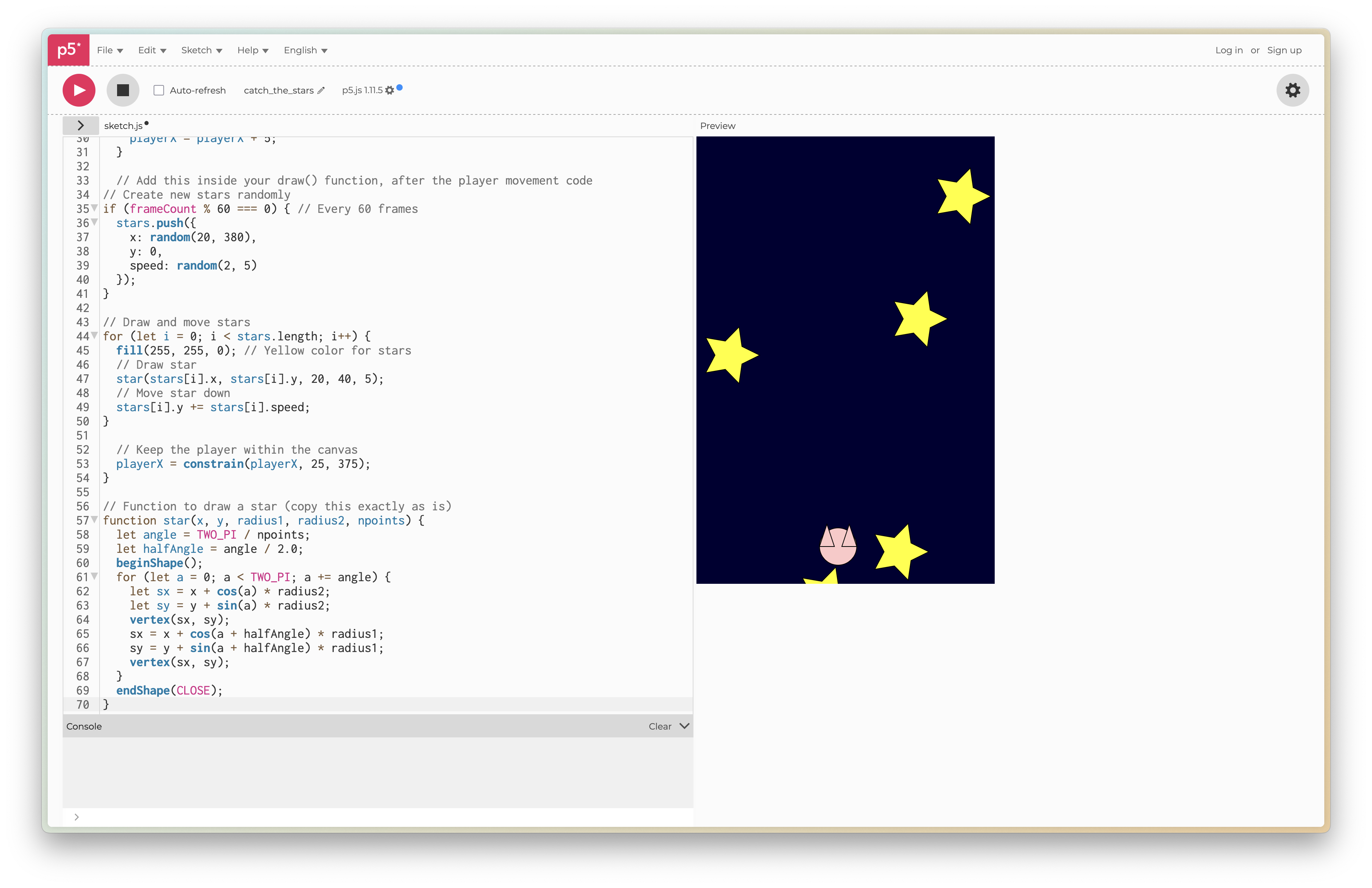
Here’s the complete code after adding stars:
// Variables for our game
let playerX = 200;
let stars = []; // Array to store our stars

function setup() {
  createCanvas(400, 600);
}

function draw() {
  background(0, 0, 50);

  // Draw the player
  fill(255, 200, 200);
  ellipse(playerX, 550, 50, 50);
  triangle(playerX - 25, 550, playerX - 15, 520, playerX - 5, 550);
  triangle(playerX + 25, 550, playerX + 15, 520, playerX + 5, 550);

  // Move the player
  if (keyIsDown(LEFT_ARROW)) {
    playerX = playerX - 5;
  }
  if (keyIsDown(RIGHT_ARROW)) {
    playerX = playerX + 5;
  }
  playerX = constrain(playerX, 25, 375);

  // Create new stars randomly
  if (frameCount % 60 === 0) { // Every 60 frames
    stars.push({
      x: random(20, 380),
      y: 0,
      speed: random(2, 5)
    });
  }

  // Draw and move stars
  for (let i = 0; i < stars.length; i++) {
    fill(255, 255, 0); // Yellow color for stars
    // Draw star
    star(stars[i].x, stars[i].y, 20, 40, 5);
    // Move star down
    stars[i].y += stars[i].speed;
  }
}

// Function to draw a star (copy this exactly as is)
function star(x, y, radius1, radius2, npoints) {
  let angle = TWO_PI / npoints;
  let halfAngle = angle / 2.0;
  beginShape();
  for (let a = 0; a < TWO_PI; a += angle) {
    let sx = x + cos(a) * radius2;
    let sy = y + sin(a) * radius2;
    vertex(sx, sy);
    sx = x + cos(a + halfAngle) * radius1;
    sy = y + sin(a + halfAngle) * radius1;
    vertex(sx, sy);
  }
  endShape(CLOSE);
}
Step 3: Adding Collision Detection and Scoring
Finally, let’s add collision detection and scoring. Add these new parts to your code:
// Add this at the top with your other variables
let score = 0;

// Add this inside your draw() function, in the stars loop
// Check for collision with player
let d = dist(stars[i].x, stars[i].y, playerX, 550);
if (d < 35) {
  stars.splice(i, 1); // Remove the star
  score += 10; // Increase score
}

// Remove stars that fall off the bottom
if (stars[i].y > height) {
  stars.splice(i, 1);
}

// Add this at the end of your draw() function
// Display score
fill(255);
textSize(24);
text("Score: " + score, 20, 40);
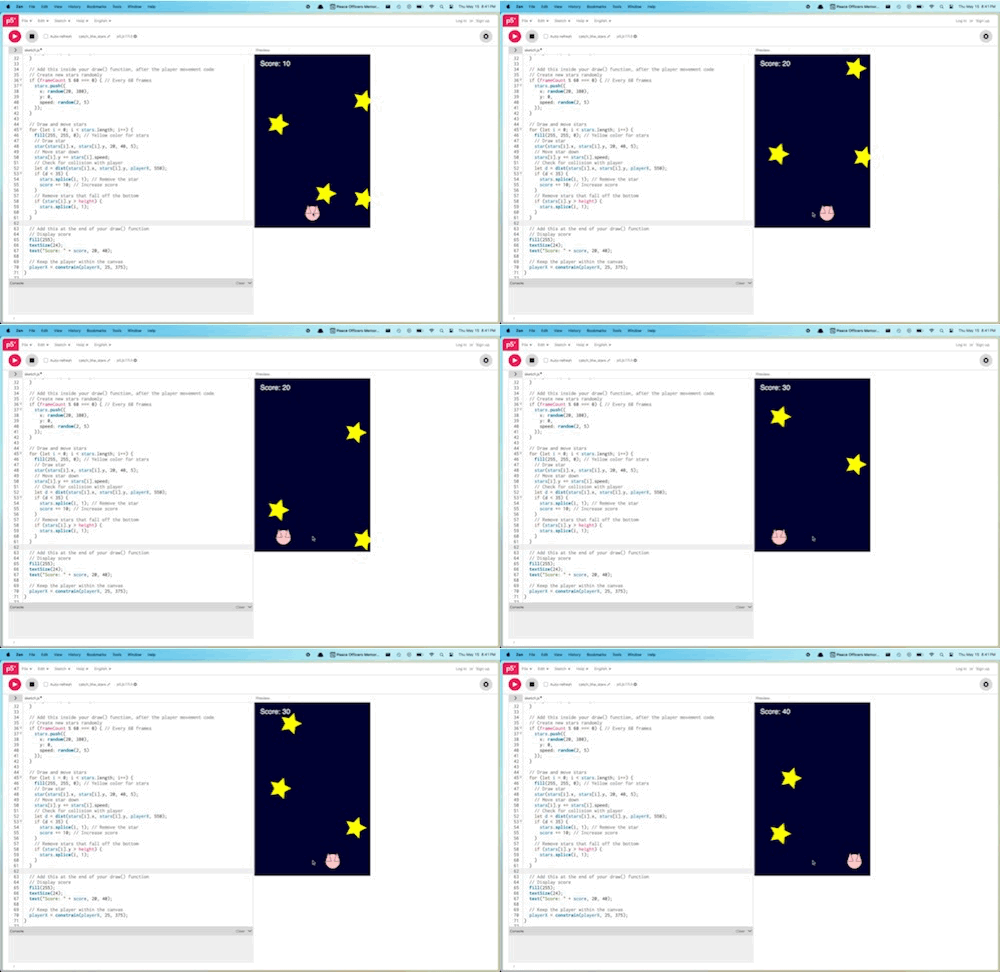
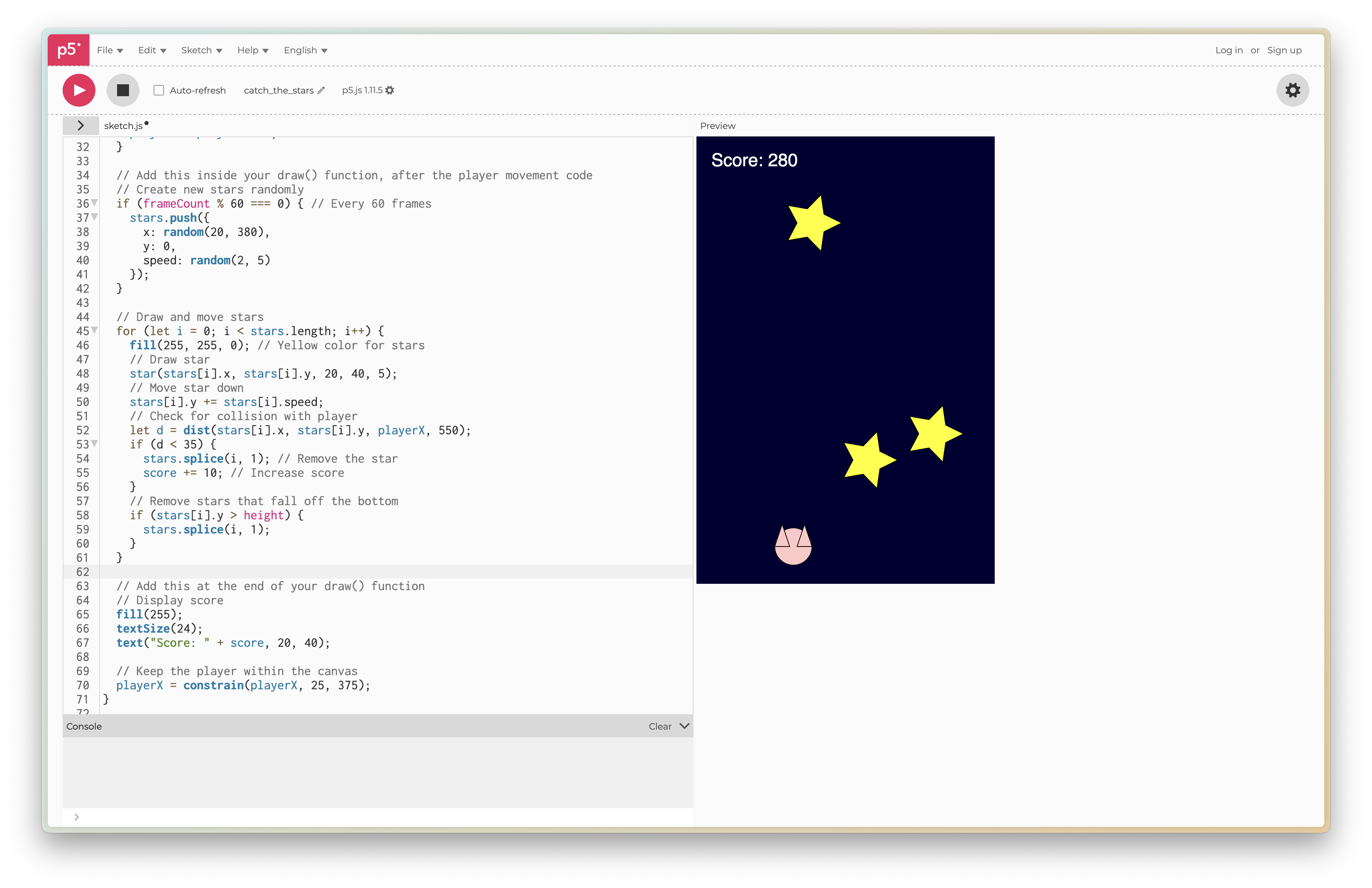
Here’s the complete final code:
// Variables for our game
let playerX = 200;
let stars = [];
let score = 0;

function setup() {
  createCanvas(400, 600);
}

function draw() {
  background(0, 0, 50);

  // Draw the player
  fill(255, 200, 200);
  ellipse(playerX, 550, 50, 50);
  triangle(playerX - 25, 550, playerX - 15, 520, playerX - 5, 550);
  triangle(playerX + 25, 550, playerX + 15, 520, playerX + 5, 550);

  // Move the player
  if (keyIsDown(LEFT_ARROW)) {
    playerX = playerX - 5;
  }
  if (keyIsDown(RIGHT_ARROW)) {
    playerX = playerX + 5;
  }
  playerX = constrain(playerX, 25, 375);

  // Create new stars
  if (frameCount % 60 === 0) {
    stars.push({
      x: random(20, 380),
      y: 0,
      speed: random(2, 5)
    });
  }

  // Draw and move stars
  for (let i = stars.length - 1; i >= 0; i--) {
    fill(255, 255, 0); // Yellow color for stars
    // Draw star
    star(stars[i].x, stars[i].y, 20, 40, 5);
    // Move star down
    stars[i].y += stars[i].speed;

    // Check for collision with player
    let d = dist(stars[i].x, stars[i].y, playerX, 550);
    if (d < 35) {
      stars.splice(i, 1); // Remove the star
      score += 10; // Increase score
    }

    // Remove stars that fall off the bottom
    if (stars[i].y > height) {
      stars.splice(i, 1);
    }
  }

  // Display score
  fill(255);
  textSize(24);
  text("Score: " + score, 20, 40);
}

// Function to draw a star (copy this exactly as is)
function star(x, y, radius1, radius2, npoints) {
  let angle = TWO_PI / npoints;
  let halfAngle = angle / 2.0;
  beginShape();
  for (let a = 0; a < TWO_PI; a += angle) {
    let sx = x + cos(a) * radius2;
    let sy = y + sin(a) * radius2;
    vertex(sx, sy);
    sx = x + cos(a + halfAngle) * radius1;
    sy = y + sin(a + halfAngle) * radius1;
    vertex(sx, sy);
  }
  endShape(CLOSE);
}
How to Play
- Use the LEFT and RIGHT arrow keys to move the cat
- Catch the falling stars to earn points
- Try to get the highest score possible!
Customization Ideas
Here are some fun ways you can customize your game:
- Change the colors of the cat and stars
- Add different types of collectibles (like hearts or coins)
- Add obstacles to avoid
- Add sound effects when catching stars
- Add a game over screen when you miss too many stars
Conclusion
Congratulations! You’ve created your first game using p5.js! You’ve learned how to:
- Create shapes and animations
- Handle keyboard input
- Use arrays to manage multiple objects
- Detect collisions
- Keep track of a score
Feel free to experiment and add your own creative touches to make the game unique!
Next Steps
If you enjoyed this workshop, here are some ideas for what to try next:
- Add different levels with increasing difficulty
- Create a high score system
- Add power-ups that give special abilities
- Create a multiplayer version where two players can compete